DevLog 1-3
Pacis Nkubito: DEVLOG 1-3
Section titled “Pacis Nkubito: DEVLOG 1-3”Node.js and Cron Jobs
Section titled “Node.js and Cron Jobs”This week I learned how to setup a Node.js environment and setup a simple project.
Node installation
Section titled “Node installation”First, I installed the latest version of Node.js (v25.4.0) from the official website. After installation, I verified the installation by running node -v and npm -v in the terminal.
Running a Node program
Section titled “Running a Node program”Next, I run a simple script to test my Node.js environment:
let greeting = 'Hello, from Node';console.log(greeting);Then I run the script using the command node script.js, and it printed “Hello, from Node” in the terminal.
Node Package Manager
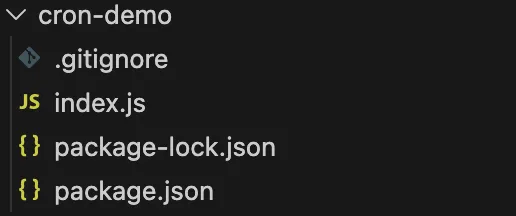
Section titled “Node Package Manager”Then I learned about NPM which is Node Package Manager in full. This is a tool that helps manage libraries for Node.js projects. I initialized my project using npm init -y, which created a package.json file.
Nodemon
Section titled “Nodemon”Then I learned about nodemon, which is basically a tool that helps to automatically restart the application when file changes are detected. I installed it using npm install nodemon --save-dev.
Then I learned how we can make node.js development easier by using scripts inside package.json. This is handy especially when you have multiple commands or parameters to run.
{ "scripts": { "start": "nodemon index.js", "test": "echo \"Error: no test specified\" && exit 1" }}With this I can start our project using npm start.
Cron Jobs
Section titled “Cron Jobs”Then I learned about cron jobs and how to schedule them. In node.js we can use a package called node-cron. I installed it using npm install node-cron.
With this we can create a task to run every 10 minutes using the cron expression 0 */10 * * * *.
var job = new CronJob( '0 */10 * * * *', function() { console.log('The local time is: '+ new Date().toLocaleString()); }, null, true, 'America/New_York');This task will print the local time every 10 minutes.
Publishing to Github
Section titled “Publishing to Github”Finally, I published my code on Github and the repository can be found here.